
Why Joining Zoom Meetings From A Microsoft Teams Room Is Still More Complicated Than It Should Be?

Many organisations have invested in Microsoft Teams Rooms to create a consistent and intuitive meeting experience across their workplaces.
For internal Teams meetings, the process is simple. Walk into the room, tap Join, and start collaborating.
The challenge often appears when a customer, supplier, or partner sends an invitation from another platform, such as Zoom or Google Meet.
What should be a seamless meeting can quickly become a frustrating process involving device mode, cables, laptops, and multiple setup steps before the meeting even begins.
In this blog, we'll explore why joining third-party meetings from a Microsoft Teams Room can still be challenging, and how organisations can create a simpler, more consistent experience.
In Short
If your organisation uses Microsoft Teams Rooms, joining Zoom or Google Meet meetings often requires additional steps, such as switching to device mode, connecting a laptop, and launching the meeting manually.
This article explores why the problem exists and two solutions that can simplify the experience: Ochno and Pexip
The Common Challenge: Joining a Zoom Meeting from a Microsoft Teams Room
Imagine you've booked a meeting room for an important customer call.
Five minutes before the meeting starts, you realise the invitation is for Zoom rather than Microsoft Teams.
Instead of simply pressing Join, you may need to:
Switch the room into device mode
Connect HDMI and USB cables
Launch Zoom on a laptop
Configure audio and video devices
Check the room camera and microphone are recognised
Troubleshoot issues before the meeting begins
For employees, visitors, and senior stakeholders, this process can be frustrating and time-consuming.
The technology may technically work, but the experience often feels more complicated than people expect from a modern meeting room.
The Real Issue Isn't Zoom or Teams
The challenge isn't that Microsoft Teams, Zoom, or Google Meet are difficult platforms to use.
The real issue is that users don't think in terms of platforms.
They simply expect to walk into a room, press a button, and join their meeting.
Whether that meeting is hosted in Teams, Zoom, or Google Meet is largely irrelevant to the end user.
As hybrid working becomes the norm, organisations are increasingly looking for ways to remove the friction caused by platform differences and create a more platform-agnostic meeting experience.
Why Do Microsoft Teams Rooms Struggle with Third-Party Meetings?
Most organisations standardise on a primary collaboration platform, typically Microsoft Teams.
However, businesses rarely operate within a single ecosystem.
Customers may use Zoom.
Suppliers may use Google Meet.
Partners may use Microsoft Teams.
Because these platforms operate independently, joining third-party meetings can require additional steps depending on the room hardware, software configuration, and interoperability capabilities available.
For occasional users, that extra complexity can quickly become a barrier to productive collaboration.
This is why many organisations investing in Microsoft Teams Room solutions are also looking at ways to improve meeting room interoperability and deliver a more consistent experience across all meeting platforms.
How to Simplify Joining Zoom and Google Meet Calls
At AuDeo, we recommend one of two approaches depending on how meeting rooms are used and the experience organisations want to create.
Option 1: Ochno
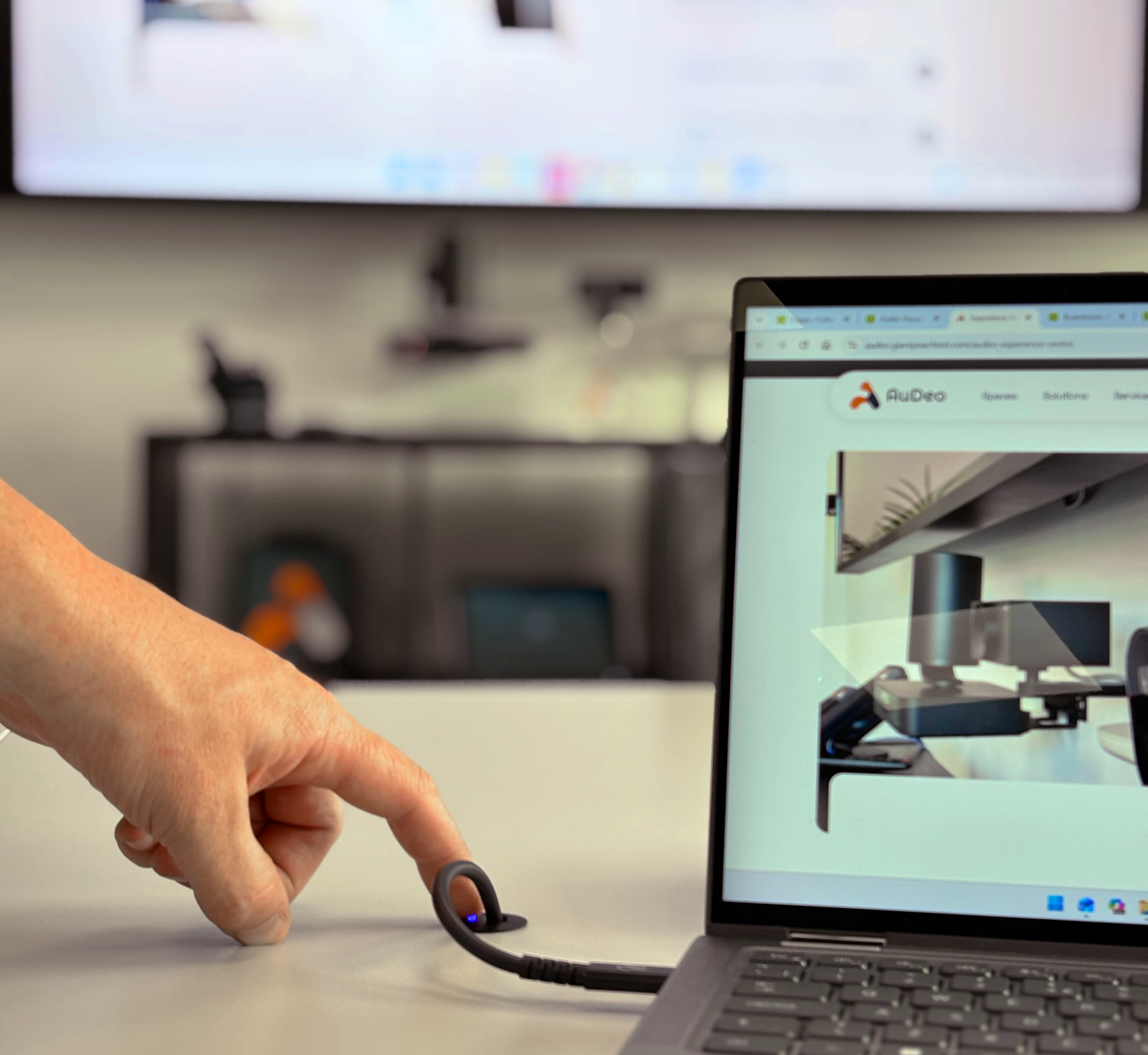
Ochno improves the process of connecting a laptop to a meeting room.
Instead of searching for cables or sitting next to a floor box, users gain access to convenient USB-C connectivity around the table.
With a single connection, users can:
Charge their laptop
Share content to the room display
Access room cameras
Access room microphones
Use room audio systems
Users can quickly launch Zoom or Google Meet from their laptop while still benefiting from the meeting room technology around them.
The result is a cleaner, simpler, and more reliable experience.
Key Benefits of Ochno
✅ Single USB-C connection
✅ Laptop charging included
✅ Easier access to room peripherals
✅ Reduced cable clutter
✅ Multiple table connection points
✅ Improved user experience
Option 2: Pexip
Pexip takes a different approach.
Rather than improving the workaround, Pexip removes the workaround entirely.
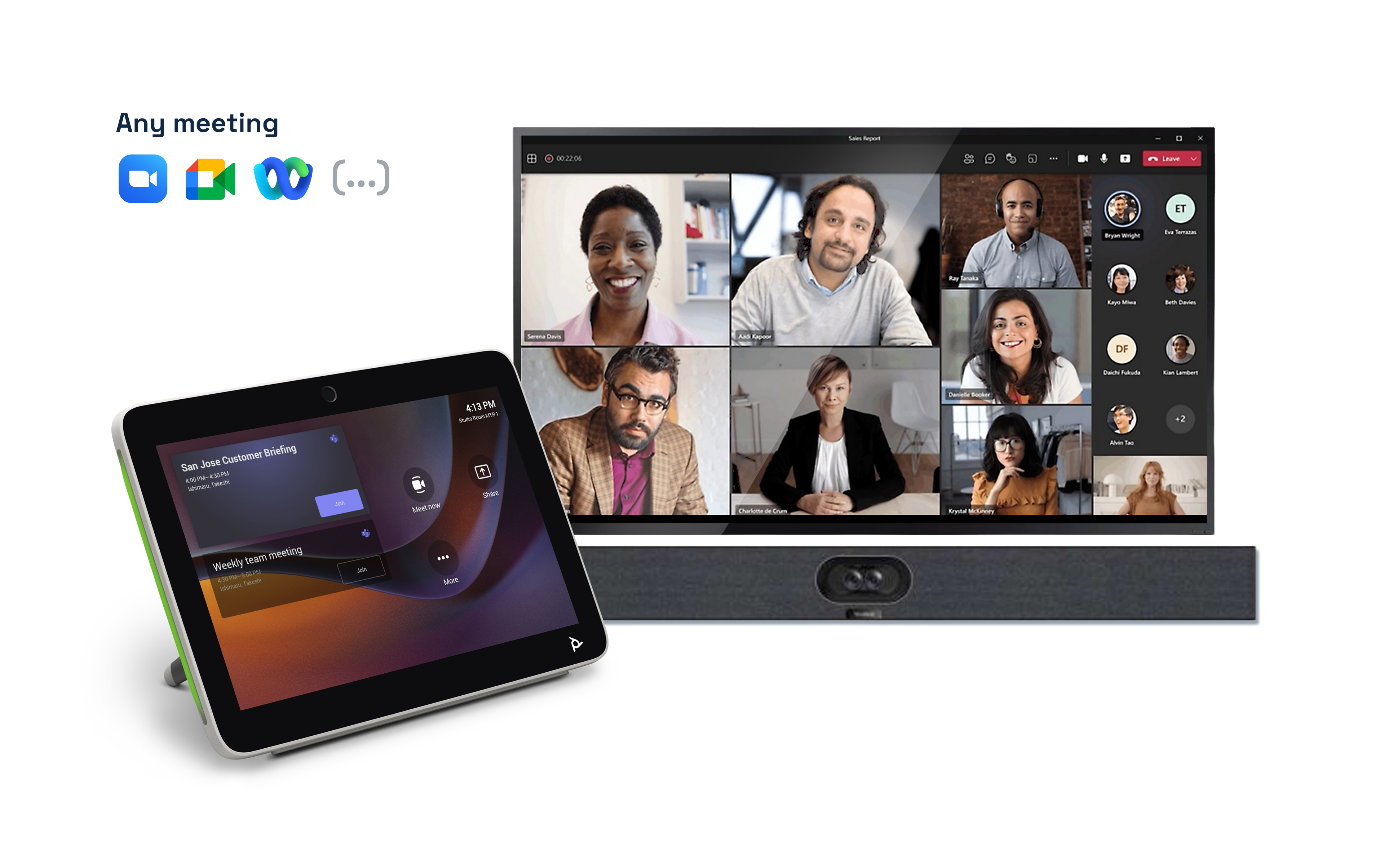
Users can forward a Zoom or Google Meet invitation directly to the room and join from the Microsoft Teams Room touch panel using a familiar one-touch workflow.
Behind the scenes, Pexip manages the Teams Room interoperability required to connect different platforms together.
This means users don't need to connect laptops, switch modes, or worry about which platform the meeting is hosted on.
Key Benefits of Pexip
✅ One-touch join experience
✅ No device mode required
✅ No laptop connection required
✅ Consistent Microsoft Teams Room workflow
✅ Reduced user training
✅ Simpler Zoom meetings in Teams Rooms
✅ Improved cross-platform meetings
Traditional Approach vs Ochno vs Pexip
Traditional Device Mode | Ochno | Pexip |
|---|---|---|
|
|
|
|
|
|
|
|
|
|
|
|
Ochno vs Pexip: Which Solution Is Right for Your Business?
Choose Ochno if:
Users regularly connect laptops in meeting rooms
You want simple USB-C connectivity
Charging and content sharing are important requirements
Users are comfortable launching meetings from their laptops
You want to simplify device mode workflows
Choose Pexip if:
Users frequently receive Zoom invitations
External collaboration is common
You want a one-touch join experience
You want to minimise training requirements
You want meetings launched directly from the room system
Why Meeting Room Interoperability Matters
Today's organisations collaborate across multiple platforms every day.
Customers may use Zoom.
Suppliers may use Google Meet.
Partners may use Microsoft Teams.
The best meeting room experiences remove the barriers between these platforms and allow users to focus on collaboration rather than technology.
As businesses continue investing in hybrid meeting technology, the ability to support seamless cross-platform meetings is becoming increasingly important.
The right Microsoft Teams Room solution can help reduce support requests, minimise meeting delays, improve productivity, and deliver a more professional experience for both employees and external participants.
Making Every Meeting Easy To Join
Today's workplace isn't built around a single platform. Internal teams, customers, suppliers and partners all collaborate in different ways.
The organisations delivering the best meeting experiences aren't forcing users to adapt to technology. They're removing the complexity altogether.
Whether that's simplifying connectivity with Ochno or enabling seamless interoperability with Pexip, the goal is the same: helping people join meetings quickly and confidently.


